Phishing Email
While phishing emails vary, the examples below represent some of the most common phishing email types.
Shared OneDrive File or OneNote Page
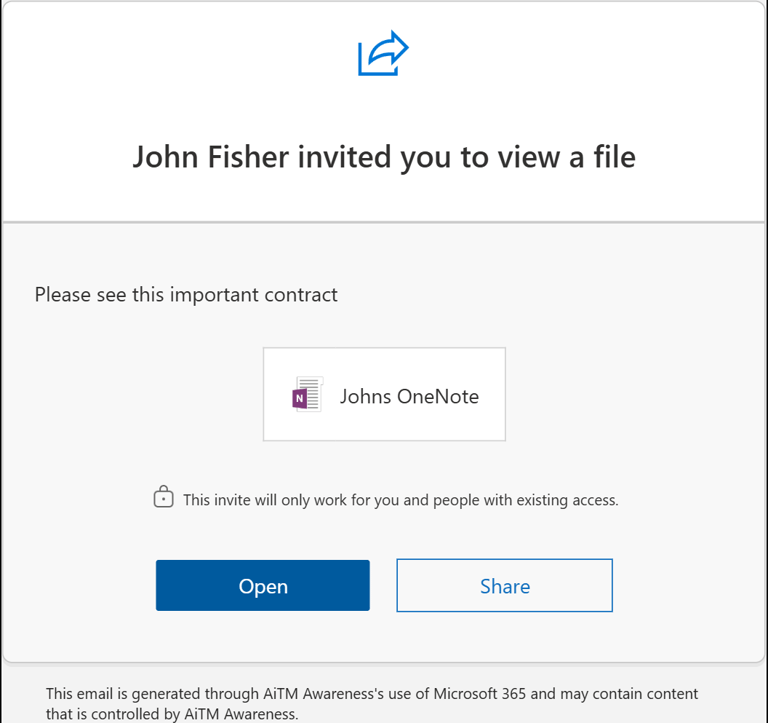
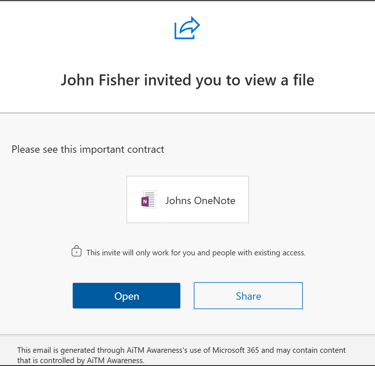
Attackers frequently abuse Microsoft OneDrive and OneNote sharing to deliver phishing emails. These messages are legitimate Microsoft notifications stating that a file has been shared with the recipient.
The email typically originates from a real Microsoft 365 account—often one that has been compromised and belongs to someone the recipient knows—and uses Microsoft’s native sharing and notification system. Because the message is genuine and follows normal Microsoft workflows, it appears trustworthy and familiar.
The shared file or OneNote is configured to require sign-in to view, prompting the recipient to authenticate even if they are already logged in. Once accessed, the content directs the user to the next stage of the Attack
Phishing Email
Shared Dropbox File
Attackers often exploit Dropbox sharing to deliver phishing emails. These messages appear as legitimate Dropbox notifications indicating that a file has been shared with the recipient.
The email may come from a compromised Dropbox account or be crafted to closely resemble official Dropbox communications. Because the notification looks genuine, recipients are more likely to trust it.
The shared file is configured to require sign-in to view, prompting the recipient to enter their credentials. Once accessed, the content directs the user to an external page designed to capture login information.
Continuation Email from a Trusted Contact
Attackers may compromise a legitimate email account and send messages that appear to continue an existing conversation.
Because the email comes from someone the recipient knows and trusts, it is highly convincing. The message typically includes a link that directs the recipient to a landing page designed to capture login credentials.